Ganga Club register: the new-account lane, its SMS code and the optional invite box
· checked by Ishaan Puthran
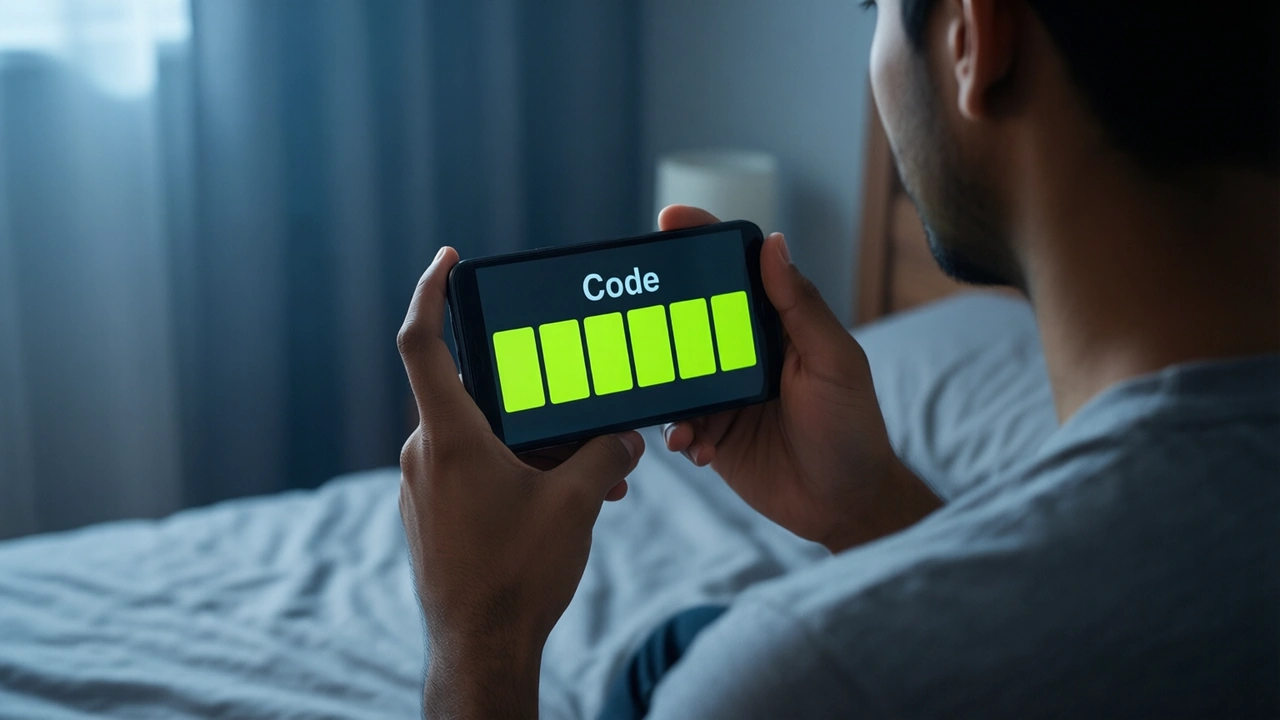
To register on Ganga Club you enter a +91 mobile number, set a password twice, request a 6-digit SMS code and type it in, tick the Privacy Agreement box and tap Register. The invite code field is marked optional — you can leave it empty. Registration is for a first account only; if you already have one, the lane you want is Log in or Forgot password, both covered below.
Independent guide · Ganga Club sign-in and APK
What does Ganga Club registration ask for?
The Register screen, top to bottom, as it looked on 7 October:
| field | what goes in | note |
|---|---|---|
| Phone number | ten digits after the fixed +91 | the number that will receive the code |
| Set password / Confirm password | the same password twice | not your UPI PIN, not your email password |
| SMS verification code | six digits, after tapping Send | arrives on that number only |
| Invite code | optional | filled in for you if you came through someone's link |
| Privacy Agreement | checkbox | must be ticked to submit |
Below the button sits "I have an account — Login". If that describes you, take it: a second registration does not merge with the first.
Should the Ganga Club invite code box be filled?
Only if you know whose code it is and want to be on their team. The code links your account to the person who shared it; referral programmes on lobbies like this pay the code owner a share tied to what their invitees do. That is why blogs titled "Ganga Club Login" send their Login button to the register page with a code already in the address.
You do not need any code to open an account. If the field arrives pre-filled and you did not ask for it, open the lobby directly instead, without anyone's link, and the box stays empty.
Why does the Ganga Club SMS code not arrive?
Work through it in this order:
- 1Number — ten digits, no leading 0, no +91 typed twice.
- 2Wait — give the first code a couple of minutes; if Send shows a countdown, let it run out before asking again. Several requests in a row only queue several codes.
- 3DND and blocked senders — promotional-SMS blocking on some Indian networks can hold back short-code messages; check the spam or "blocked" folder in the Messages app.
- 4Signal — the code goes to the SIM in that number, not to the phone you are holding if they differ.
If none of that helps, use the lobby's 24/7 Customer service chat — how to reach it is on the customer care page. Do not hand the code to anyone who contacts you about it.
One number, one Ganga Club account
If the Register screen tells you the number is already registered, you already have an account: switch to Log in, or reset the password if you have forgotten it. People who registered by email instead of phone sign in on the Email login tab — the phone tab will not find them.
How to reset a forgotten Ganga Club password
The Forgot password link sits under the Log in button. The reset screen offers Phone reset or Email reset:
- 1Enter the registered number (or email).
- 2Type a new password, then the same again.
- 3Tap Send, enter the verification code, tick the Privacy Agreement box, tap Reset.
- 4Go back to Log in and sign in with the new password.
Nobody else is needed for this. A "support agent" who offers to reset it for you in exchange for the code is asking for exactly what lets them take the account.
A password worth setting
Lottery and colour-game accounts are a favourite target for reused passwords. Pick one that exists only on this account — not your email password, not your UPI PIN, not your birth year — and keep the "Remember password" box unticked on a phone other people use.
Is the button up top a Ganga Club sign-up?
The button installs a separate casino platform's app — not Ganga Club. Registration there is its own, with its own 500% first-deposit pack, read card by card on the bonus page. Your Ganga Club account is unaffected either way.
FAQ
Can I register on Ganga Club with email?
The screen says "Please register by phone number or email"; the phone lane is what opens by default.
Is there an age limit?
The lobby's footer states it only accepts customers above 18.
Can I change the invite code after registering?
The field sits on the sign-up form only; we found no place to edit it from a logged-out view. Decide before you tap Register.
Can I register a second account for my family on the same phone?
Each account needs its own number to receive its own code.